


My Shared Items from Google Reader
Google Reader lets you share posts from the feeds you read. Right now I have a tremendously long commute in a carpool and I started using Google Gears' offline reading for my feeds. It works quite well -- until the car starts winding around a narrow mountain road and I feel like I'm going to throw up. But for a while, it does allow me some time to check out my feeds.
At the top of my blog there's a link called "shared from google reader."
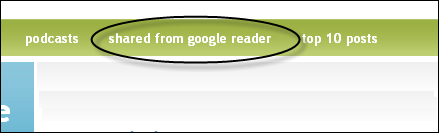
The shared items shows all the posts I've come across that I think are worth reading (for my interests anyway).
The shared items page even comes with a feed. This shared feature is one of the neatest and easiest ways to share good posts without creating a link blog.
If you have a shared feed with Google too, let me know. Also, if you've never used Google Gears (which allows you to read your feeds offline), check out this tutorial from Lifehacker.
About Tom Johnson

I'm an API technical writer based in the Seattle area. On this blog, I write about topics related to technical writing and communication — such as software documentation, API documentation, AI, information architecture, content strategy, writing processes, plain language, tech comm careers, and more. Check out my API documentation course if you're looking for more info about documenting APIs. Or see my posts on AI and AI course section for more on the latest in AI and tech comm.
If you're a technical writer and want to keep on top of the latest trends in the tech comm, be sure to subscribe to email updates below. You can also learn more about me or contact me. Finally, note that the opinions I express on my blog are my own points of view, not that of my employer.